AI Canvas Studio — Draw, Annotate, Get AI Feedback
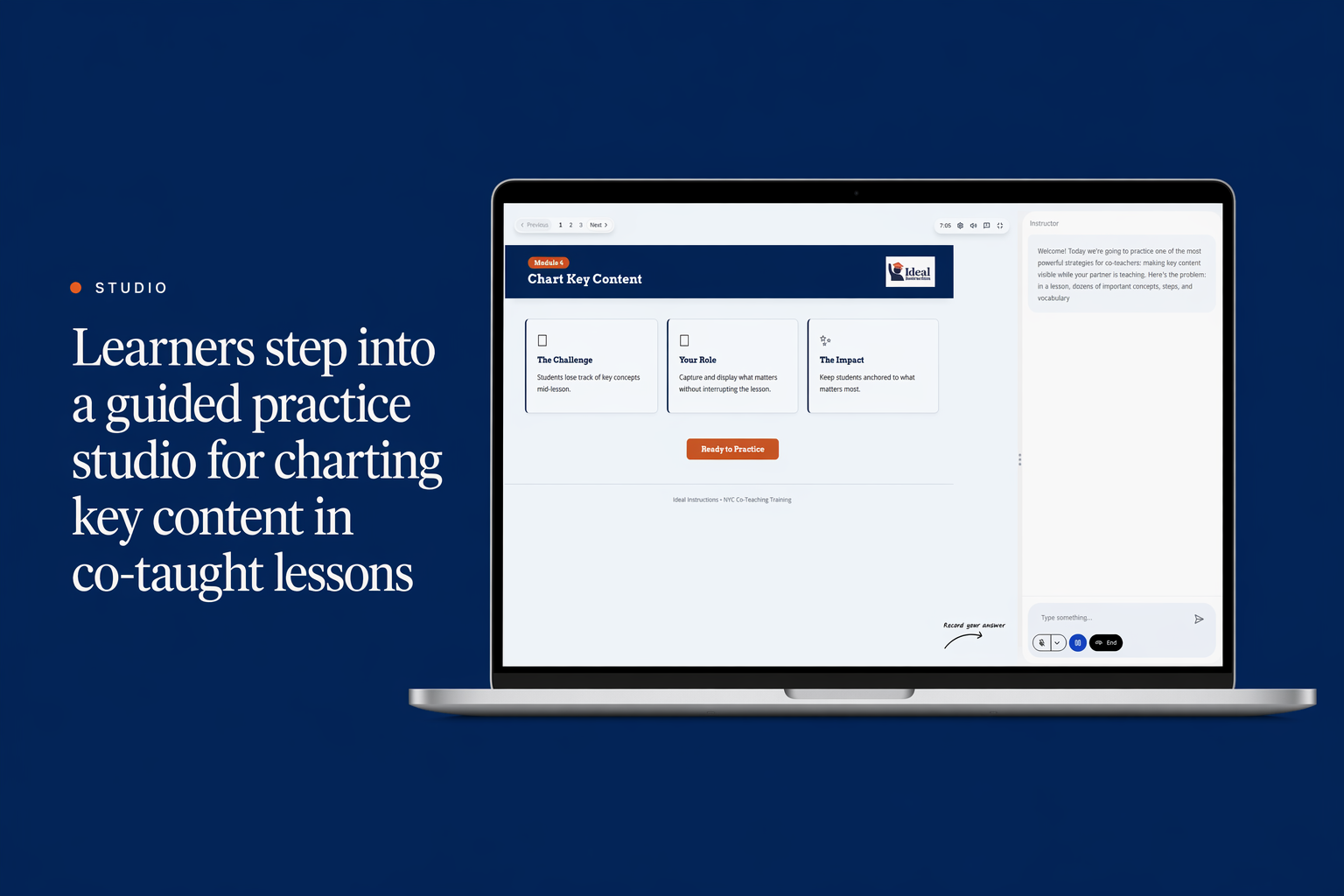
An interactive practice studio where teachers watch a real lesson, draw on an embedded canvas, and get real-time AI coaching tied to a worked example.
Project Overview
A teacher professional development program serving two school districts. The lead coach had a 90-minute video PD that teachers were watching once and forgetting. She wanted a tool where teachers actually practiced charting a real lesson, not just watched someone else do it.
The brief was a deliverable that fits a single 30-minute PD block, runs on the district's existing browser, and gives every teacher a concrete chart they can bring to their next peer review. The studio had to teach the technique, let the learner practice it on a real lesson clip, and ship them out with a worked example to compare against.
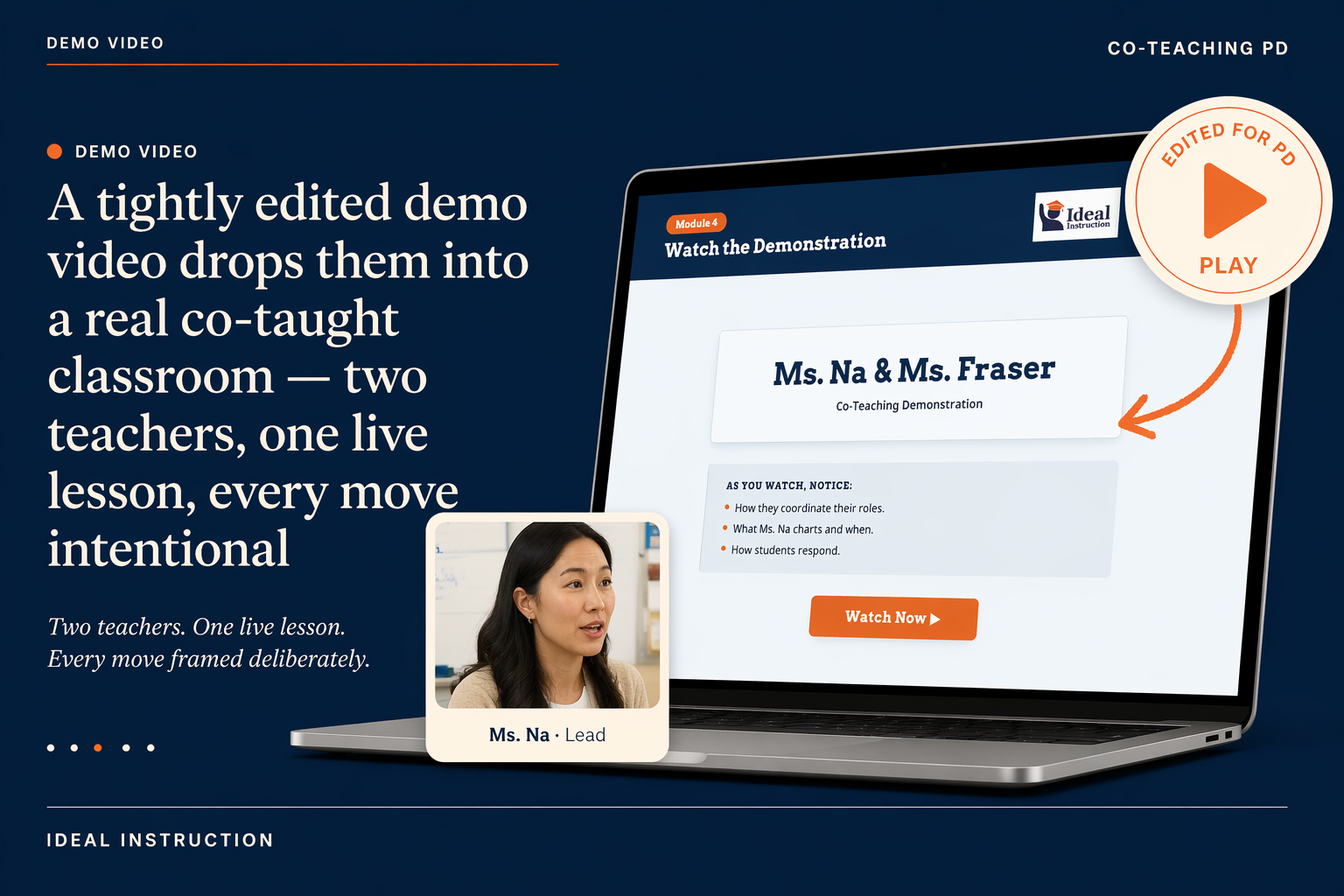
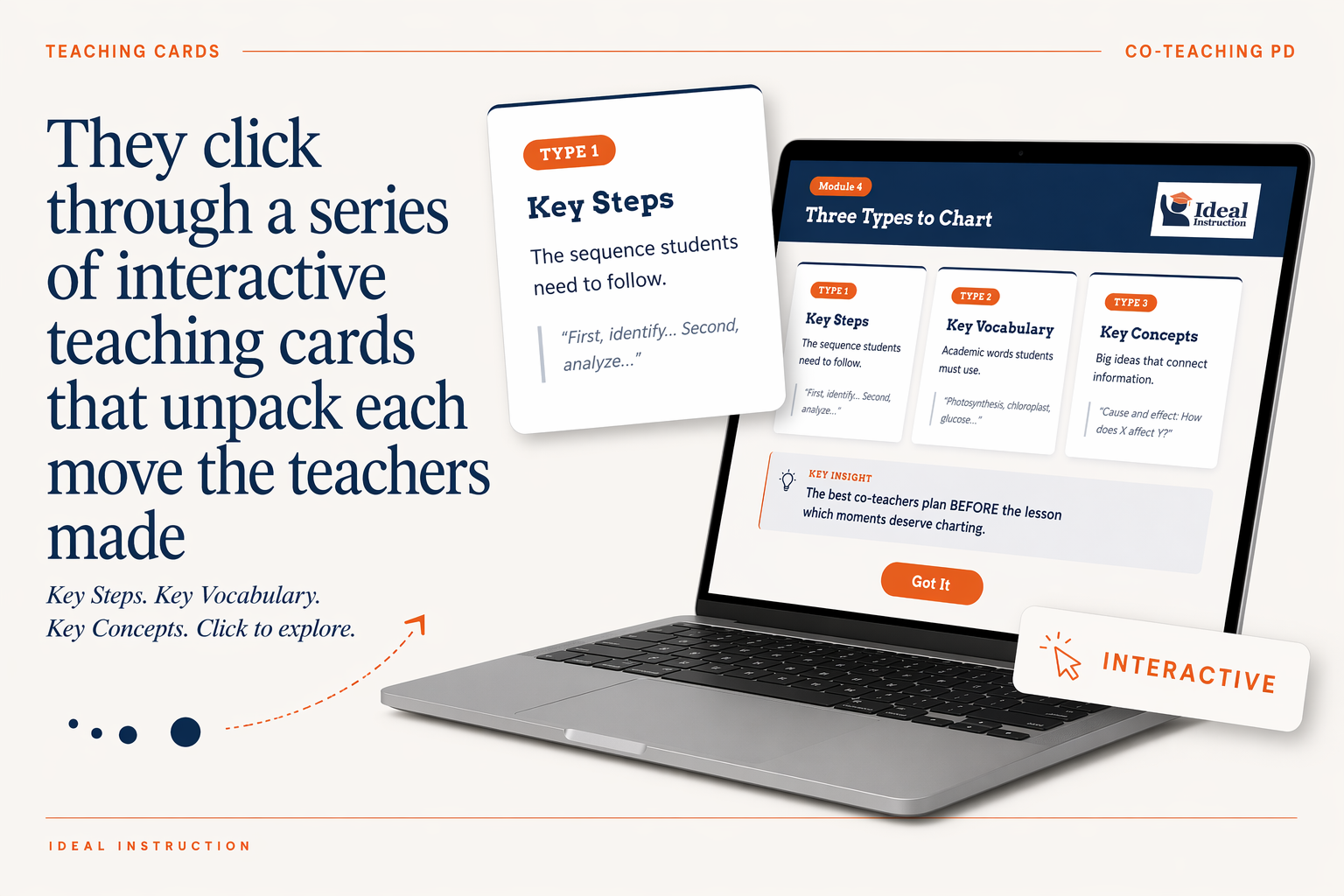
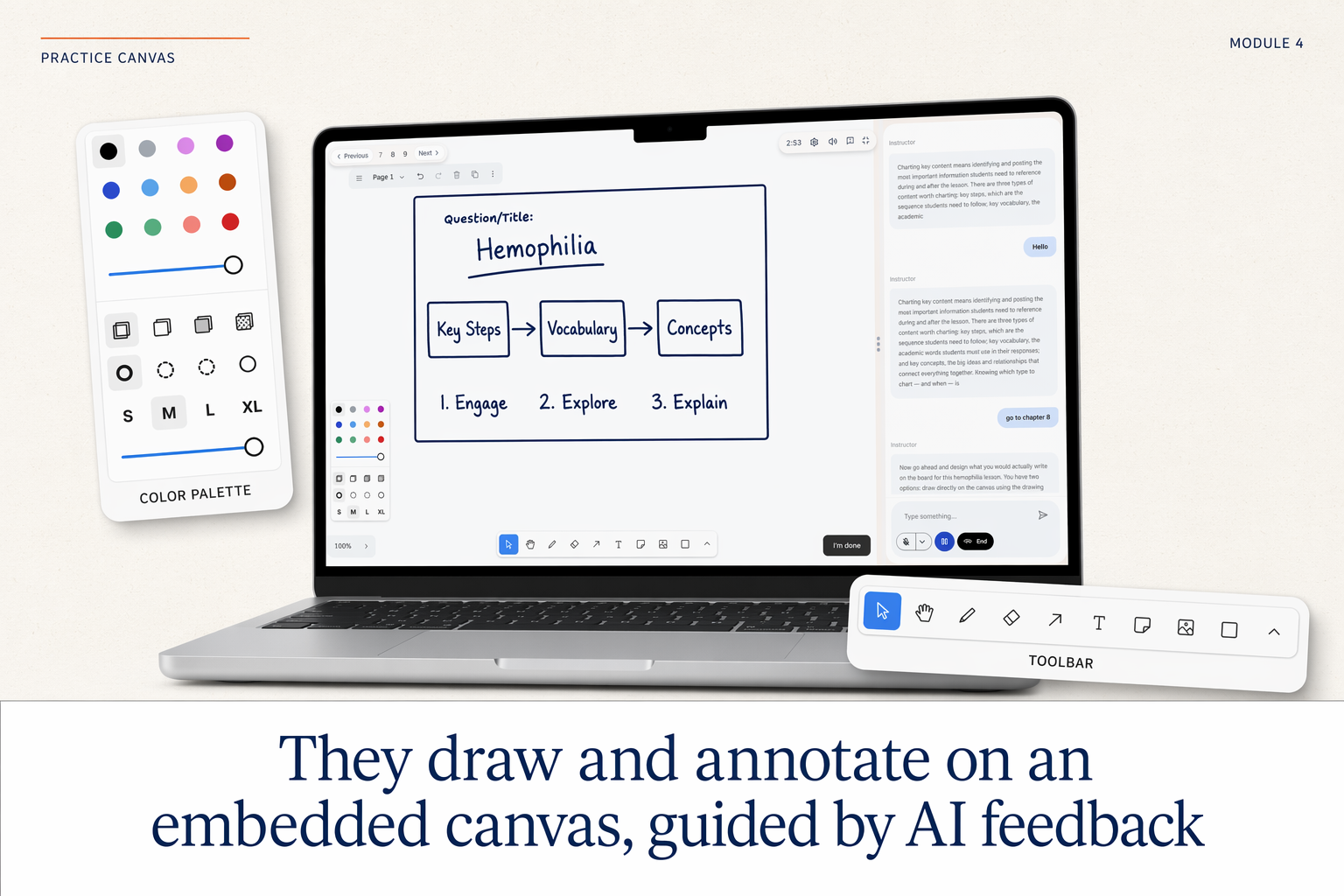
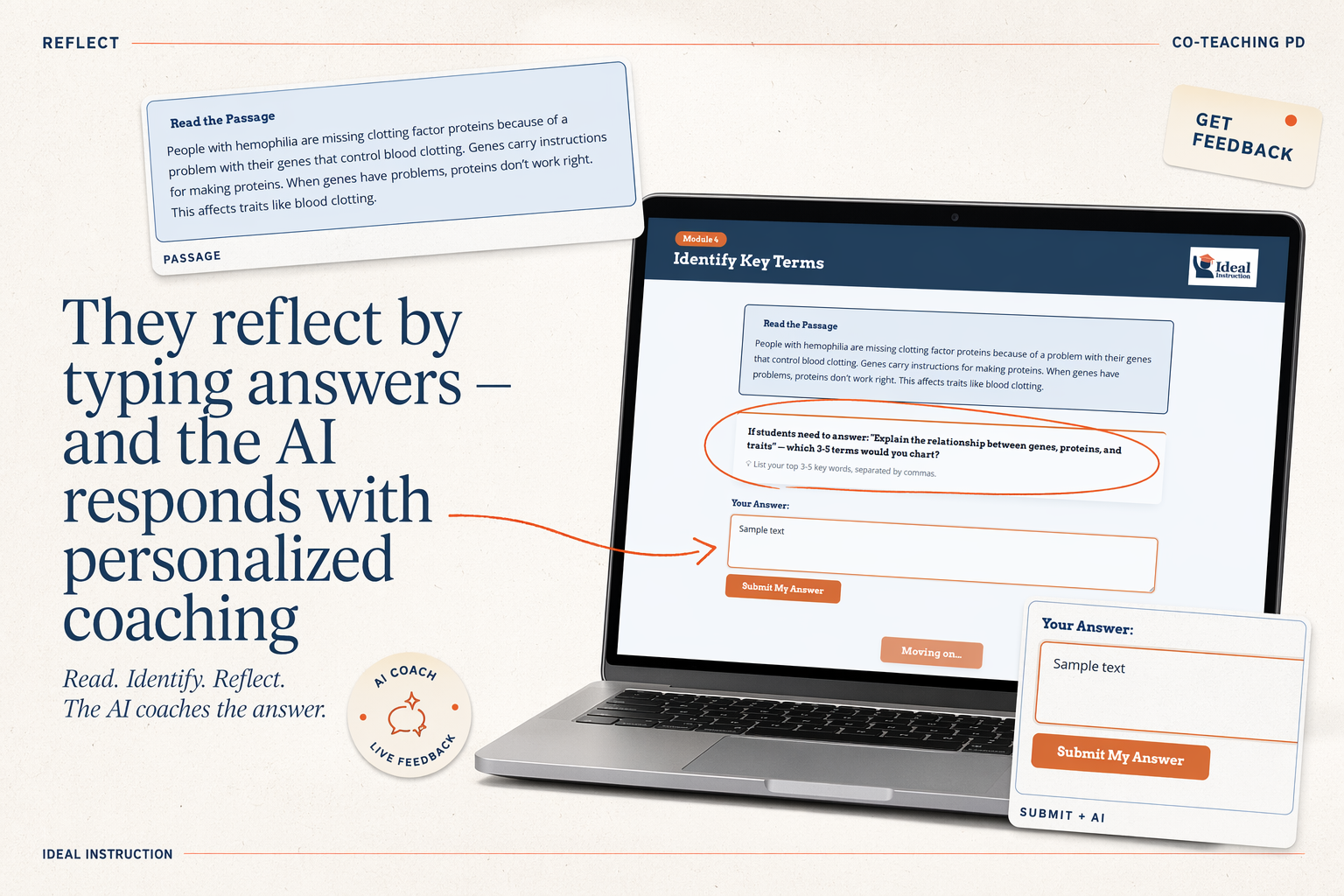
Learners watch a tightly edited demo of two real teachers running a co-taught lesson. Interactive cards walk them through the three chart types: key steps, vocabulary, and concepts. They then draw on an embedded canvas while an AI coach reads their work and gives feedback in real time on what is missing, what is unclear, and what to keep.
The AI coach reads the canvas against a six-chart-type rubric the lead coach authored. The rubric is stable across all six chart types, so future modules can drop in without rebuilding the coaching layer. The canvas itself is serialized into a node graph the LLM can reason about, not raw pixels.
What's Inside
6 chart-type practices
Key steps, vocabulary, concepts, sequence, compare-contrast, cause-effect.
Demo video per chart type
Edited from real classroom footage with two teachers running a co-taught lesson.
Embedded canvas with AI feedback
Draw, annotate, connect; the AI reads the canvas live and coaches on what is missing.
Interactive teaching cards
Three cards per practice that walk the technique before the canvas opens.
Worked example to compare against
Rich annotations layered slowly so the learner can see the chart take shape.
Short reflection prompt
At the end of each practice, with a one-click share into the coach's review queue.
What the Client Provided
- The original 90-minute PD video the program was retiring
- Google Doc rubric the lead coach uses for chart types in peer review
- Raw classroom footage of two veteran teachers running a co-taught lesson
- Anonymized peer-review feedback cataloguing common chart mistakes
- Brand guidelines (PDF) for the PD program
Design and Build Process
Shadowing Co-Taught Lessons
Observed live lessons across three districts. Catalogued what support teachers actually chart, where they hesitate, and what veterans wish they had practiced.
Demo Video Production
Wrote and edited the demo with two teachers in one live session. Every camera move and cut tied to a specific moment in the chart.
Canvas + Serializer
Built the embedded canvas on Konva.js with a custom serializer that turns drawings into a node graph the AI can read against a rubric.
AI Coach Rubric
Designed the rubric the AI uses: which terms appear, where they sit, what is connected to what. Stable across all six chart types so future modules drop in clean.
Pilot and Iteration
Ran a pilot with 40 teachers across two cohorts. Cut the cards from five to three after observing where teachers stalled, and added a worked-example replay step.
Tools and Stack
Deliverables
- Live studio (web app)
- 6 chart-type practice modules with demo video, cards, canvas, and AI coach
- AI coaching rubric (Google Doc, agreed with lead coach)
- Authoring template for adding new chart types
- Coach-facing reporting (teacher attempts, common gaps)
- Embedded directly into the PD program's website, with SCORM 2004 packages for Canvas LMS, Schoology, LearnDash, Kajabi, and Thinkific
- 1-hour PD session deck for facilitators introducing the studio
Other Relevant Work
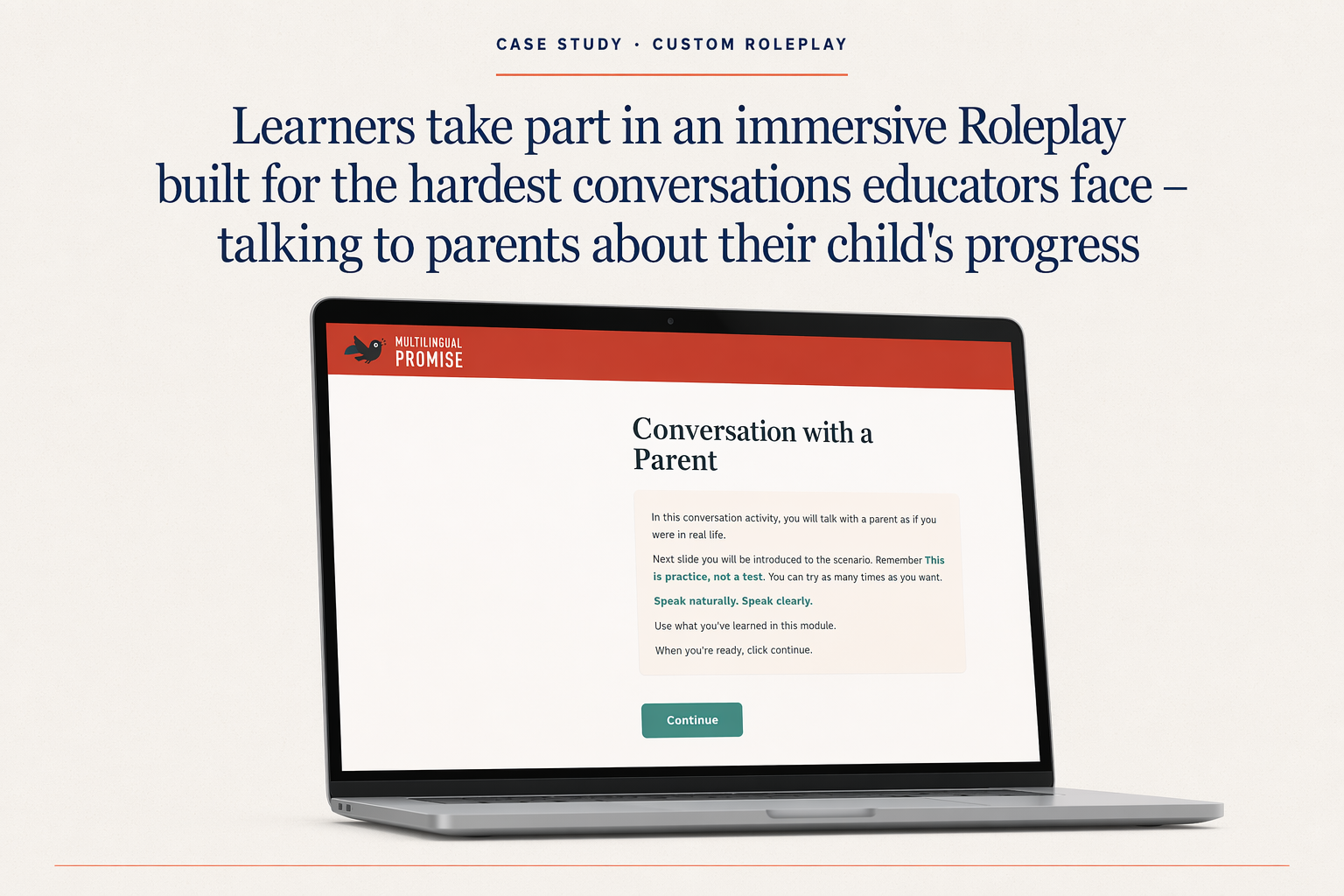
Immersive AI Roleplay with Avatars
Live avatar roleplays with dynamic facial expressions, lip-sync, and voice evaluation.
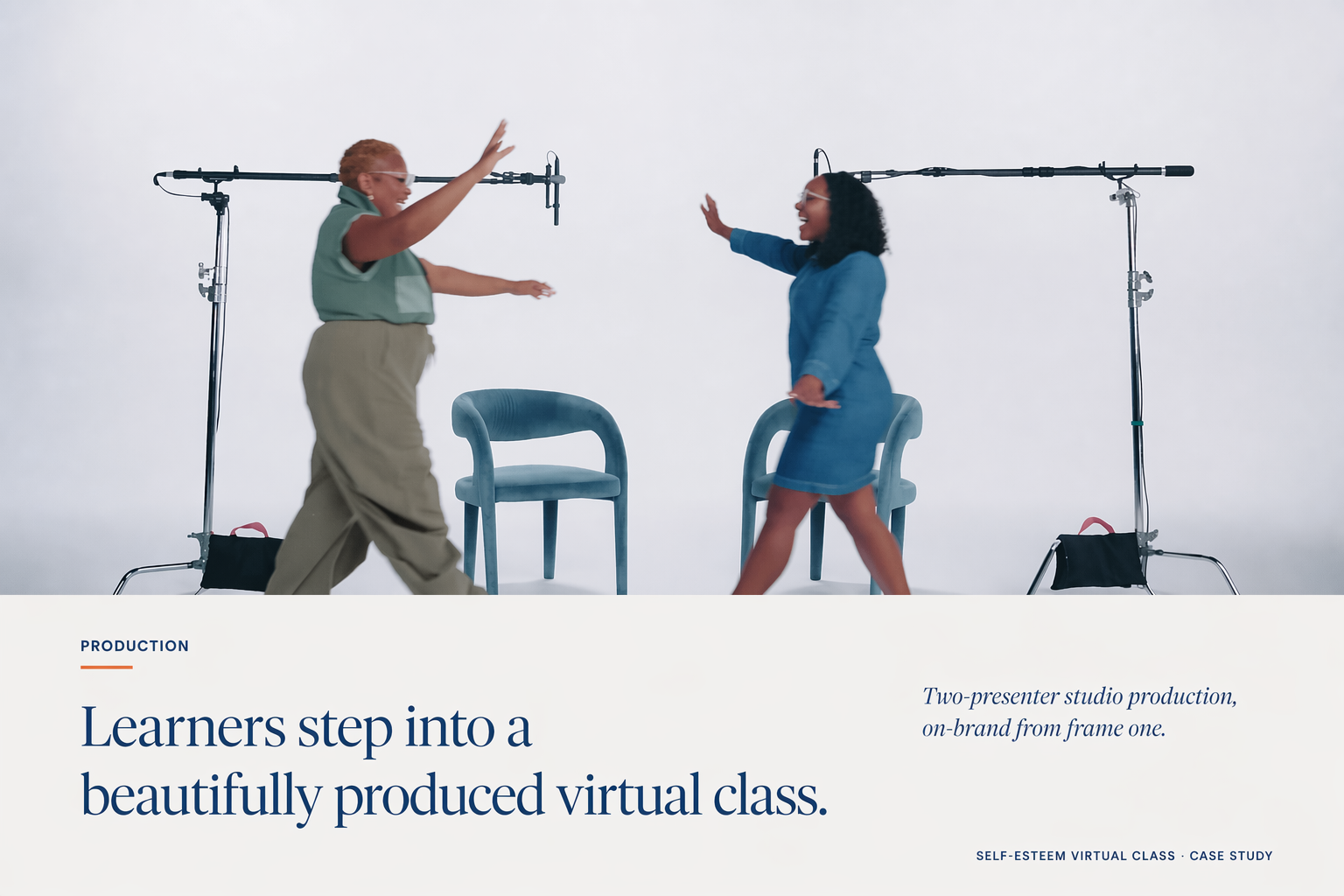
Cinematic AI Avatar Lesson Video
A polished AI avatar lesson video with two hosts, sound design, designed slides, micro-animations, and hand-crafted B-roll.
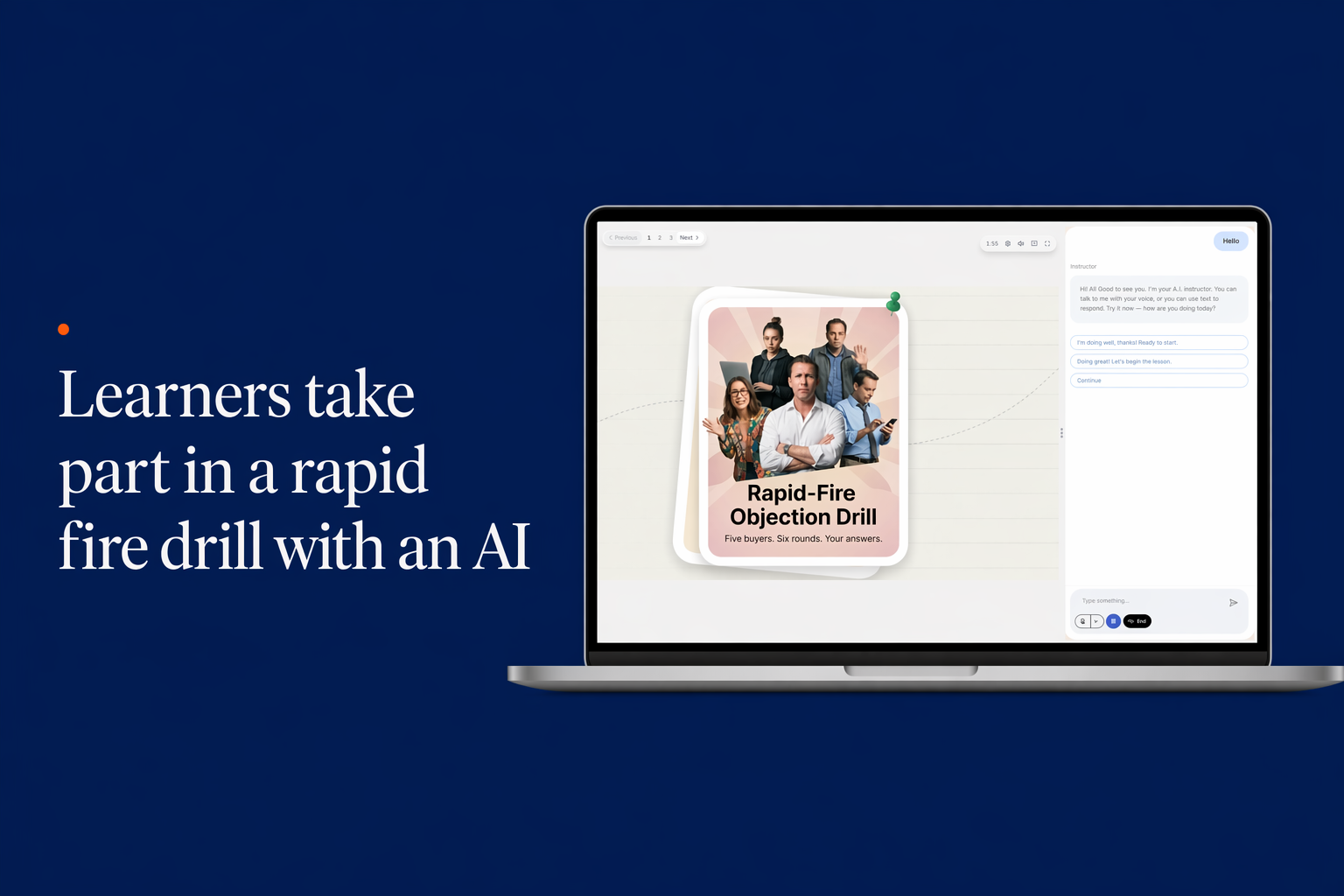
AI Rapid Fire — Sales Objection Drills with an AI Coach
A rapid fire AI tutor that drills sales reps on customer objections with type, click, and voice input, with sub-second feedback.